


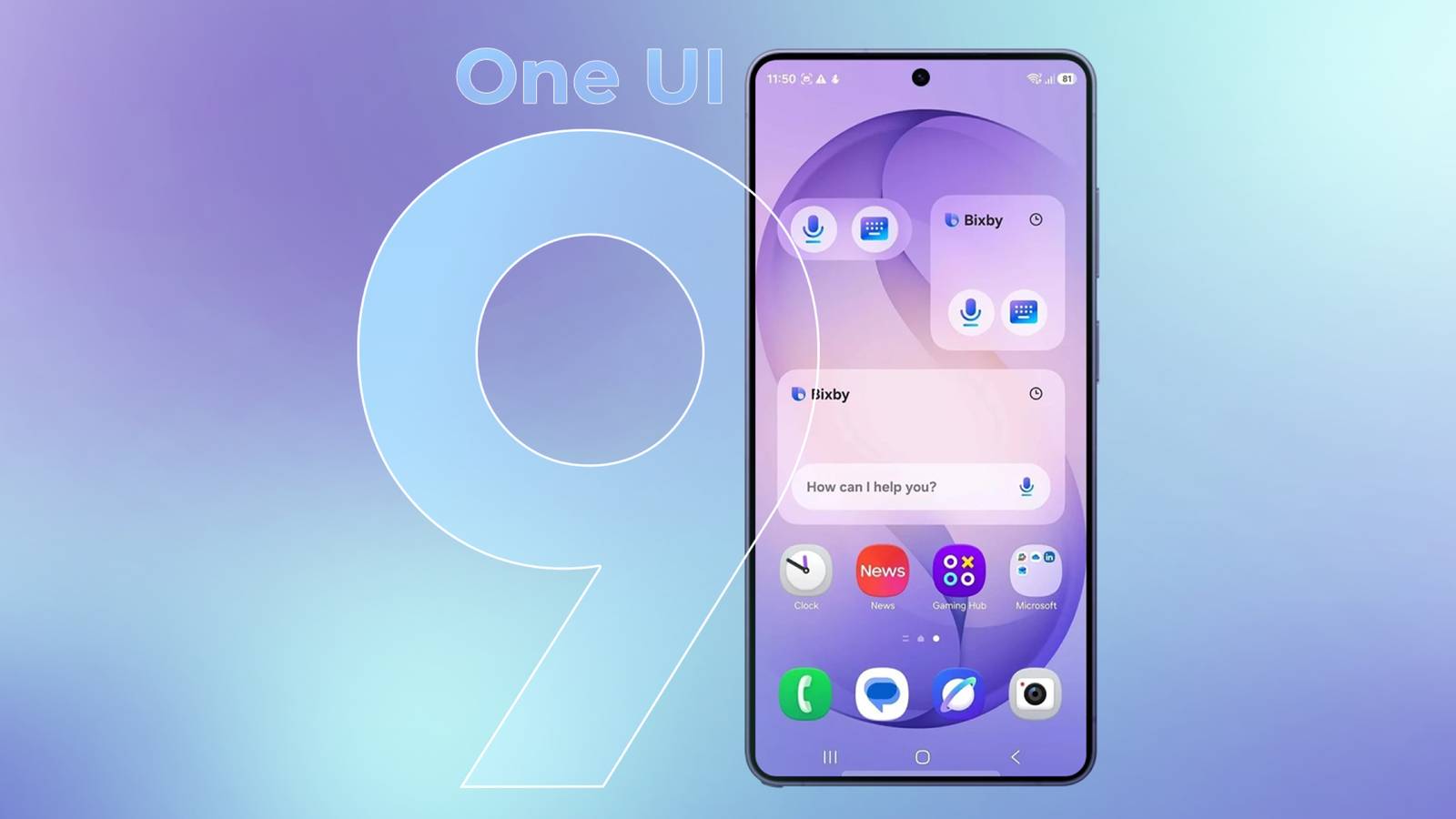
Samsung One UI 9: New Features for Galaxy S26 Users
After a comprehensive period of beta testing, Samsung has officially begun the global rollout of One UI 9 for its Galaxy S26 series smartphones. Following its initial launch with the Galaxy Z Fold 8 earlier this summer, the update is finally making its way to the previous-generation Galaxy devices.
One UI 9 introduces a variety of new functionalities, built on the foundation of Android 17. The update enhances user experience significantly. Here’s a detailed look at some of the standout features that users should explore immediately after updating.
My FanCam: Perfect Your Videos
Effortlessly Keep Your Subject in Frame
A prominent new feature is My FanCam, which alleviates the challenge of keeping your subject centered during recordings. Utilizing advanced Galaxy AI, this mode automatically identifies and tracks the selected person when cropping footage post-recording. For those who frequently capture videos, this new functionality enhances creativity and convenience.
To utilize My FanCam, open your video in the Gallery app, select the Galaxy AI button, and choose My FanCam. From here, you’ll be prompted to select the person to track and choose your desired output aspect ratio.
Enhanced Quick Settings Panel
Tailor Your Panel for Easy Access
One UI 9 takes customization further by allowing users to reshape their Quick Settings panel. Users can now resize volume and brightness controls, reposition toggles, and add new functionalities to meet their specific needs.
To modify the Quick Settings panel, access the panel, click the edit icon, and rearrange the controls as desired. Conclude your adjustments by tapping Done.
Instant Location Access Awareness
Know Which App is Accessing Your Location
With the introduction of One UI 9, the privacy indicators now provide instant visibility into which application is accessing your location. The indicator turns blue to alert you, and tapping on it reveals the app’s identity, along with the option to view recent location access history.
Convenient Finder Shortcut
Seamless Access to App and File Searches
Samsung’s built-in search tool, Finder, can now be added directly to the home screen alongside the Google Search bar. This provides efficient access to search through settings, files, and apps.
To add Finder, pinch your home screen, navigate to Settings, and enable the Finder toggle in the search options.
Motion Assist for Traveling Ease
Improving User Experience in Motion
Another exciting feature is Motion Assist, which helps mitigate motion sickness while using your phone in a moving vehicle. This feature presents small moving bubbles at the screen’s edges, helping your brain align visual and physical sensations during travel.
To enable this feature, go to Settings, select Google services, find Motion Assist, and toggle it on.
Native PDF Support in My Files
Streamlined PDF Management
One UI 9 introduces a built-in PDF viewer within the My Files app, enabling users to manage PDF documents without the need for third-party applications. Users can open, view, and annotate PDFs directly within the app.
Additional Enhancements
Beyond the notable features mentioned, One UI 9 encompasses a variety of minor upgrades. Users can now enjoy improvements in the Brief app and enhanced security protocols, including a stricter lockout policy after 13 unsuccessful login attempts. Furthermore, the Tap-to-Answer feature for calls and enhancements to Bixby add extra functionality worth exploring.
Overall, Samsung’s One UI 9 offers a host of exciting features that elevate the user experience on the Galaxy S26 series and beyond. Delve into these new additions to maximize your smartphone’s capabilities.
