

Preparing Your Samsung Galaxy for the One UI 9 Update
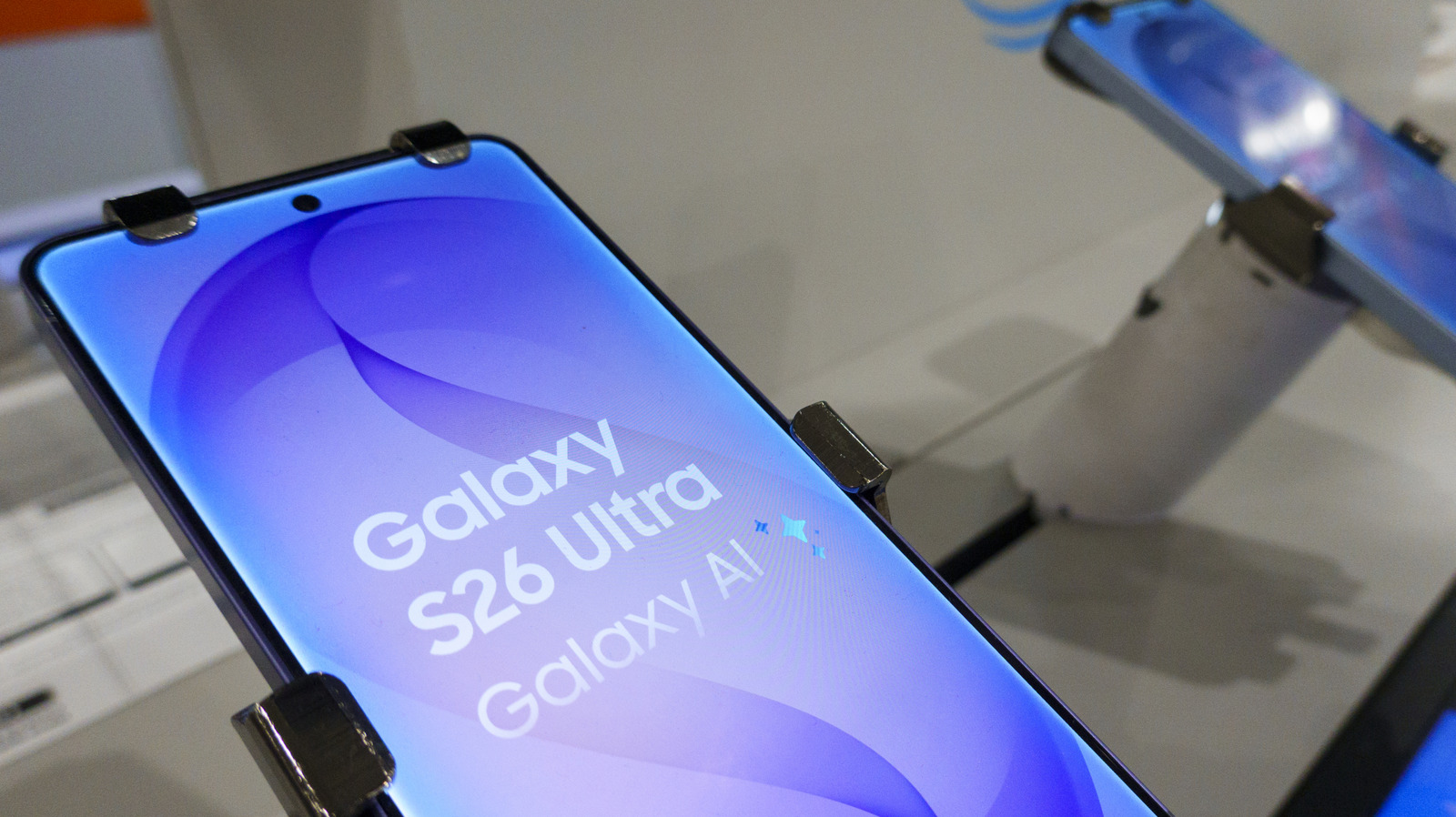
With the global rollout of Samsung’s One UI 9 currently underway, it’s the perfect opportunity to prepare your device.
Image Credit: Kevin Carter/Getty Images
Understanding One UI 9
Samsung’s One UI 9, based on Android 17, is designed to enhance user experience with a variety of new features. The update began its rollout on September 16 and is gradually becoming available across a wider array of devices. Noteworthy features include:
- AI Enhancements: New intelligent features such as My Fancam for better tracking and Now Nudge for mid-conversation suggestions.
- Security Improvements: Enhanced support for scam detection and privacy alerts aimed at safeguarding user data.
Steps to Prepare for the One UI 9 Update
Image Credit: Framesira/Shutterstock
Before you initiate the update process, confirm that your device is eligible. Devices such as the S23 series, Z Flip, or Z Fold (models 5 and newer) are the primary candidates for the One UI 9 update. To verify availability:
- Go to Settings.
- Select Software Update.
- Tap on Check for updates.
If your device indicates that an update is available, you can also schedule it for later, preferably during charging or when connected to Wi-Fi.
Precautions to Take
Updating your device will require approximately 4GB of storage. Here are some important steps to take before starting the update:
- Free up enough storage on your device to accommodate the update.
- Ensure that your battery is sufficiently charged before proceeding.
- If scheduled, confirm that your device remains powered and connected to Wi-Fi during the update.
- Backup any critical files either physically or to a cloud service for safety.
Beta Versions of One UI 9
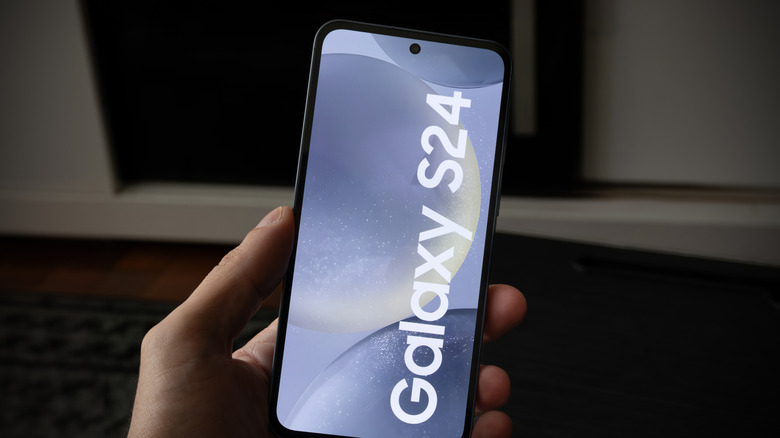
Image Credit: Miguel Lagoa/Shutterstock
In addition to the stable rollout, Samsung continues to release beta versions for various legacy devices. The ongoing One UI 9 beta program includes:
- The Galaxy A55 and A35, currently in beta stages in regions such as South Korea.
- The S24 series, with its beta update recently launched in India.
Sizes for beta updates vary, with the A55 update around 403.66MB and the S24’s beta update at approximately 600.90MB. To access these beta updates, users must enroll in the One UI 9 beta program.
With these preparations and understanding in mind, you’ll be well-equipped to enjoy the enhancements brought by One UI 9.
